
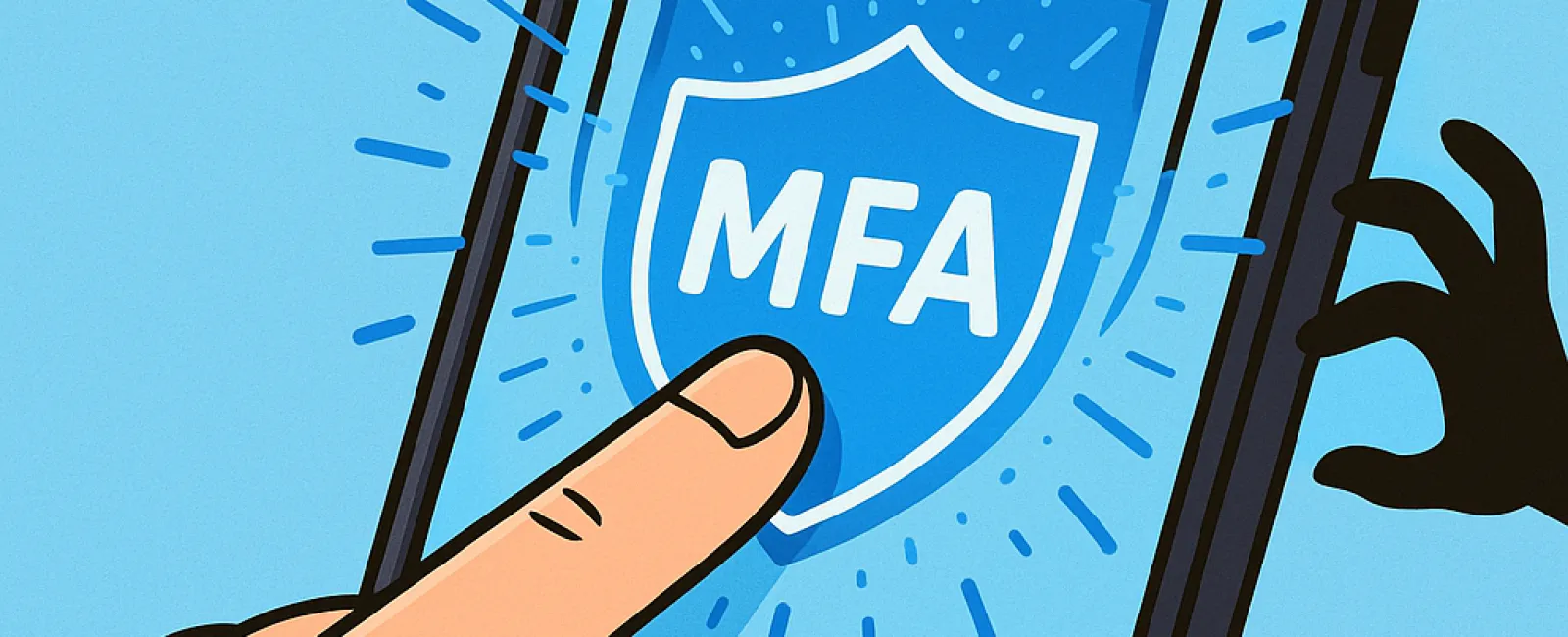
You wouldn't leave your home unlocked or drive without a seat belt, so why risk going online without multifactor authentication (MFA)? It's your essential extra layer of digital security.
MFA acts like a robust second lock on the door to your online world. Rather than relying solely on a password—which can be stolen, guessed, or phished—it adds a crucial verification step, such as a text message code, authentication app prompt, or biometric scan like a fingerprint. Even if hackers get your password, they're blocked dead in their tracks without that second verification step.
Just One Simple Step Can Protect You Completely
Think of your password as locking your front door at night. MFA is like setting a security alarm that gives you peace of mind—extra protection that isn't mandatory but shields you if your password is compromised.
MFA adds a swift, additional step to verify it's really you logging in. Whether called "two-step verification," "two-factor authentication," or a "one-time password," these methods share the same goal: securing your accounts through multiple identity checks before allowing access to sensitive data.
This can take many forms—from account confirmation emails and bank security questions to text codes, push alerts, and phone calls. The good news? Most require just a quick tap to approve access.
How MFA Saves You From Real Cyber Threats
While MFA is quick and easy for you—entering a code or tapping a button—it creates significant hurdles for hackers. If someone tries to breach your account, MFA immediately alerts you with a notification or code request, giving you a vital chance to update your password before data is stolen.
MFA stops unauthorized systems access, even if a hacker tricks an employee into sharing login details. In fact, Microsoft reports that enabling MFA slashes account compromise risk by over 99.2%, reaching nearly 99.99% protection for accounts using MFA.
Where to Activate MFA and How to Get Started
Make sure MFA is enabled on these critical accounts:
- Banking and financial apps
- Email and cloud storage services
- Social media platforms
- Work systems containing client or confidential information
Most major platforms have easy, built-in MFA options—simply activate the one that suits you best and incorporate it into your daily routine. Adding an authenticator app can significantly boost security for staff logins.
In summary, MFA is a free, fast, and highly effective way to prevent the vast majority of account breaches. Spending just a few minutes to set it up today can save you from long-term headaches and severe data loss tomorrow.
The simplest way to get MFA up and running is by contacting your IT provider. A professional MSP can streamline the process effortlessly. If you're searching for cybersecurity experts, click here or call us at 801-356-9333 to schedule a 15-Minute Discovery Call with our specialists now.