
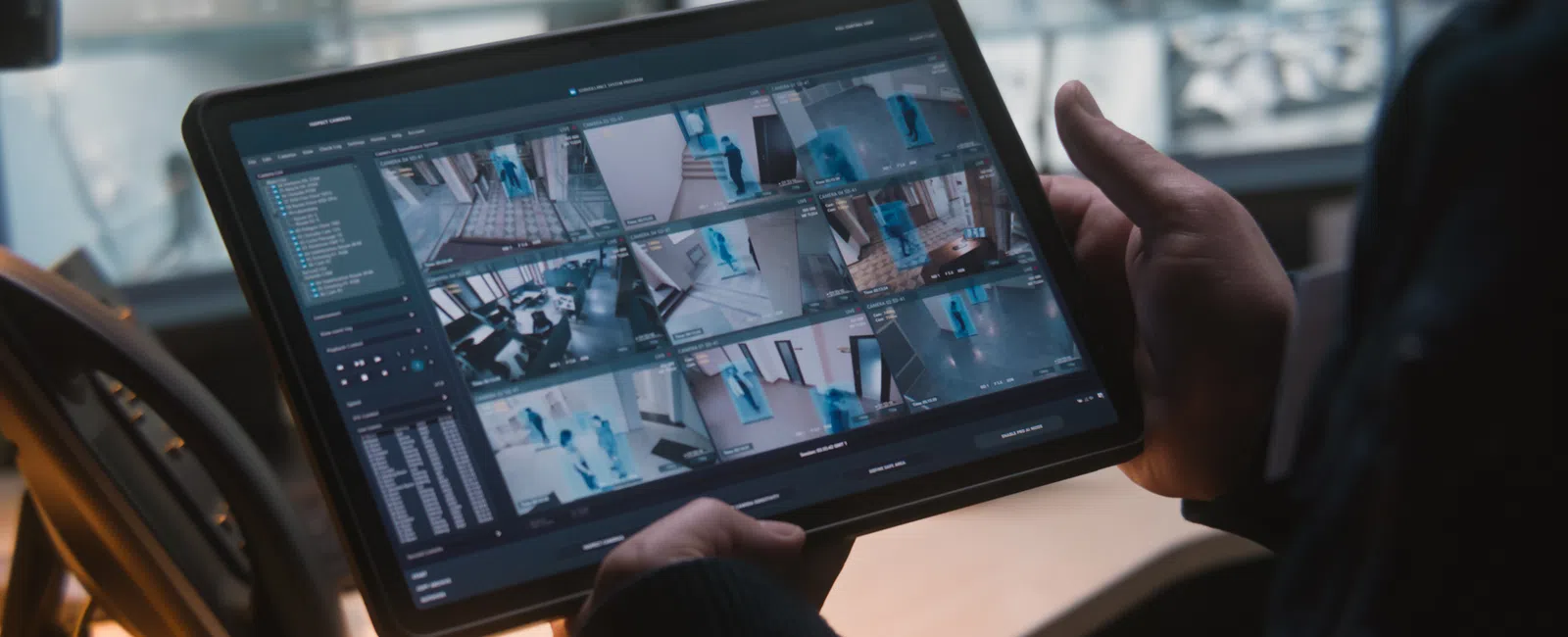
Most small businesses overbuy on cameras and underthink on placement strategy. A poorly positioned four-camera system routinely leaves more blind spots than a well-designed three-camera layout covering the same square footage. The hardware is rarely the failure point, the design is.
The Six Zones Every Business Must Cover
Every commercial property has six non-negotiable coverage zones. Skipping any one of them leaves a specific, predictable threat unaddressed. Business surveillance camera coverage must account for all six before placement decisions are finalized.
Zone 1: All Entry and Exit Points
Every door a person can use to enter or leave the building, including loading docks and emergency exits, requires a dedicated camera. Emergency exits are a frequent blind spot in security camera placement for retail environments because they are used infrequently but are high-risk for after-hours access.
Zone 2: Cash Handling and POS Areas
Point-of-sale areas are the highest-risk zone for both external theft and internal shrinkage. A camera covering the POS area should capture both the transaction and the employee's hands at an angle that confirms what was rung in versus what was exchanged.
Zone 3: Parking Lot Perimeter
Parking lot coverage deters vehicle break-ins, documents slip-and-fall incidents, and establishes a liability record. Outdoor cameras covering the perimeter should capture plate numbers, which requires specific lens selection and mounting angles, not just wide-area coverage.
Zone 4: Server Rooms and IT Closets
Server room cameras deter both external breach and insider data theft. A camera covering the IT closet creates an access log that complements physical access control systems: recording who entered, when, and for how long. For a law firm protecting a document vault or a financial services office protecting network infrastructure, this zone is non-negotiable.
Zone 5: Inventory Storage and Stockrooms
Stockroom theft is a documented source of inventory loss across retail, medical, and food service businesses. For example, certain dental offices with medication storage requirements have a specific obligation to document access to controlled substance storage as camera coverage of that area supports both security and audit compliance.
Zone 6: Common Employee Areas
Common areas where policy enforcement matters like hallways, break room entrances, or shared workspaces benefit from camera coverage that documents behavior without invading private spaces. The boundary between acceptable and unacceptable placement in these areas is defined by state law and company policy, not personal judgment.
Indoor Camera Placement: Angles, Heights, and Overlap Zones
Indoor business security camera placement follows specific rules for mounting height, field-of-view overlap, and camera position relative to room geometry. Getting these three variables right determines whether footage is usable, not just whether coverage exists on paper.
The 7-to-9-Foot Mounting Height Rule
Mounting a camera between seven and nine feet above the floor balances two competing needs: a wide enough field of view to cover the space, and a downward angle shallow enough to capture faces. Below seven feet, cameras are vulnerable to tampering. Above nine feet, facial detail degrades significantly.
Why Corner Mounting Beats Wall Mounting
A corner-mounted camera covers two walls simultaneously, doubling its effective coverage area compared to a wall-mounted camera aimed across a single axis. In a 2,000 square foot open-plan office, two corner-mounted wide-angle cameras eliminate the blind spots that four wall-mounted cameras would leave because wall-mounted cameras in open spaces always leave angled dead zones between their fields of view.
Overlapping Fields of View
Overlapping camera fields means that every area of the space is visible to at least two cameras simultaneously. When one camera fails or is obstructed, coverage does not disappear. Overlap is a design requirement, not a luxury.
Dome vs. Bullet Cameras for Indoor Use
- Ceiling dome cameras: Better for open-floor coverage and vandal resistance, the dome housing hides which direction the lens faces
- Bullet cameras: Better for corridor coverage, entry points, and scenarios where a directional aim is fixed and the deterrence value of a visible camera matters
Outdoor Camera Placement: Weatherproofing, Lighting, and Deterrence Angles
Outdoor camera placement for Mountain West businesses must account for extreme seasonal conditions, inconsistent lighting, and the strategic choice between visible deterrence and covert evidence gathering. Camera specs that work in mild climates often fail in Colorado or Utah winters.
IP Ratings: What IP66 and IP67 Mean for Outdoor Cameras
A warehouse on the south side of Colorado Springs with a large gravel lot, heavy snow glare in winter, and a single overhead light presents a specific set of problems. Standard outdoor cameras wash out under snow glare and go blind in the unlit corners of that lot after dark.
The solution requires cameras with infrared night vision capability, which uses IR illuminators invisible to the human eye to produce clear monochrome footage in zero-light conditions, mounted at angles that avoid pointing directly into reflected light sources.
Visible Deterrence vs. Covert Placement
- Visible cameras at entrances: Deter opportunistic crime before it occurs, as the deterrence value is the primary benefit
- Covert or less-obvious cameras: Capture evidence of premeditated theft or trespassing where a determined actor would disable or avoid a visible camera
- Best practice: Use both. Visible cameras at primary entrances, supplementary cameras at secondary access points angled to avoid obvious detection
Compliance Considerations: Where You Cannot Point a Camera
Certain spaces are legally off-limits for camera placement, and others require documented justification before a camera is installed. Compliance failures in camera placement expose businesses to regulatory fines and civil liability, both of which far exceed the cost of getting placement right the first time.
HIPAA-Compliant Camera Placement in Medical and Dental Environments
For medical practices managing HIPAA-sensitive spaces, camera placement is a compliance decision before it is a security decision. Exam rooms and patient check-in areas, where protected health information is visible on screens or spoken aloud, require documented placement justification under HIPAA-compliant camera placement requirements.
A DIY install that places a camera inside an exam room without that documentation is a HIPAA violation, regardless of the security intent behind it.
PCI DSS Restrictions at Point-of-Sale
A camera angled to cover a POS area for loss prevention purposes can inadvertently violate PCI DSS requirements for point-of-sale surveillance if the field of view captures a PIN pad or the card number on a customer's payment card. The camera angle, not just camera presence, determines compliance.
Employee Privacy Rules
State laws governing employee surveillance vary significantly. Colorado and Utah both permit camera use in most common work areas with proper notice, but prohibit placement in spaces with a reasonable expectation of privacy. The safest approach is a placement plan reviewed against current state law, not a best-guess install.
How a Professional Camera System Assessment Eliminates Guesswork
A professional site survey produces a complete camera placement plan before any hardware is installed. This process eliminates the guesswork that causes DIY systems to require costly redesigns after the first security incident reveals what the cameras missed.
What a Site Survey Actually Covers
- Walking the physical space to identify all access points, traffic patterns, and high-risk zones
- Mapping sightlines and identifying natural obstructions (shelving, columns, signage) that alter camera fields of view
- Assessing lighting conditions at multiple times of day, including after-hours and winter light levels
- Identifying compliance constraints for the specific business type before placement decisions are made
- Producing a written camera placement plan with camera type, mounting location, and field of view documented for each unit
- Planning low-voltage structured cabling routes so camera runs are clean, code-compliant, and integrated into the building properly
Not Sure If Your Current Camera Setup Actually Covers What It Should?
In a free 15-minute Discovery Call, we will review your current or planned camera layout and show you exactly where your blind spots are before they cost you.
Schedule Your Free 15-Minute Discovery Call