
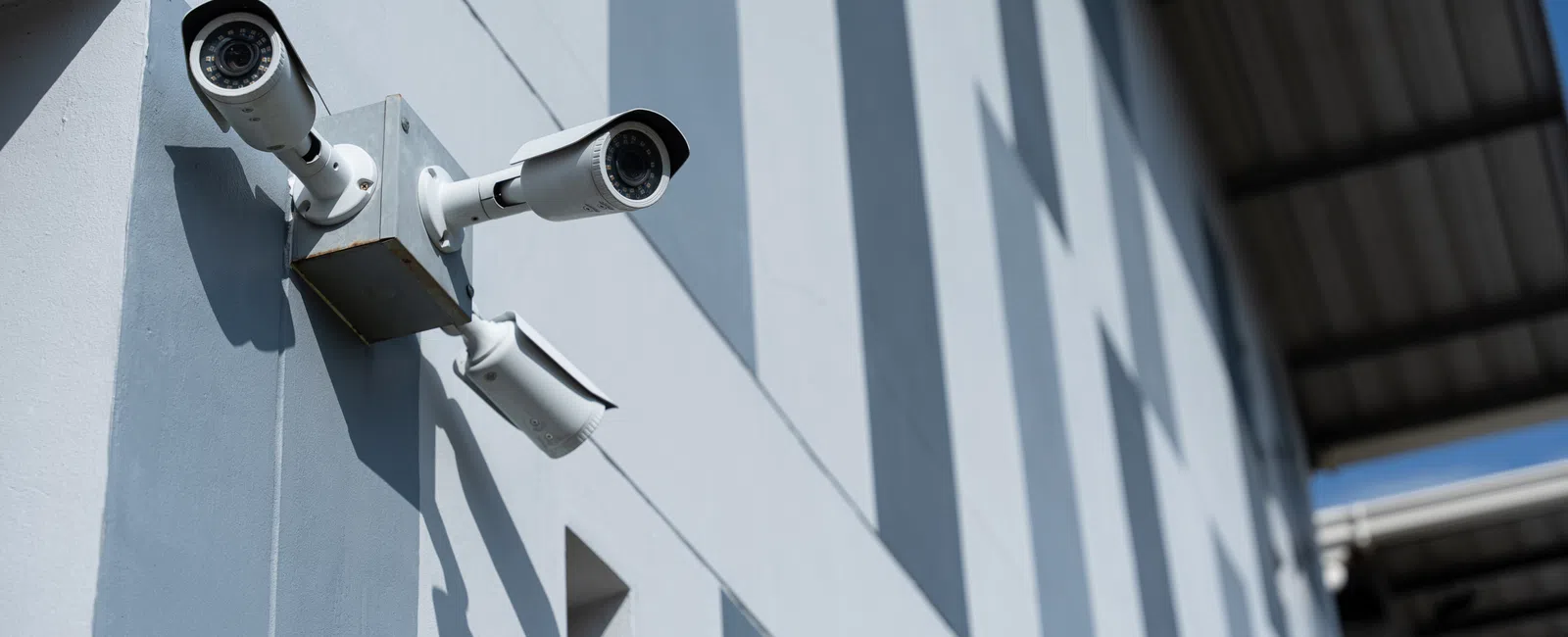
A retail shop owner installs two cameras over the registers and calls it done...then discovers six months later that the loading dock where inventory went missing wasn't covered at all. Knowing how many security cameras does a business need starts with understanding that camera count is never a guess, it's a conclusion you reach after assessing your space, your entry points, and your specific risks.
Why Generic Numbers Are Meaningless
Advice like "8 cameras is enough for a small business" ignores the fact that a 2,000 sq ft warehouse and a 2,000 sq ft medical office have entirely different layouts, access points, and risk profiles. A number without context is not a plan. It's a guess.
The Three Variables That Drive Every Camera Plan
- Square footage and layout: Open floor plans require fewer cameras with wider fields of view. Irregular layouts with hallways, corners, and multiple rooms require more units at tighter angles.
- Entry and exit points: Every door, window, loading bay, and emergency exit is a coverage requirement, not an afterthought.
- Business-specific risks: A retailer faces shoplifting and parking lot incidents. A healthcare office faces patient privacy obligations and compliance mandates. A server room faces insider threat. Each risk demands a different placement strategy.
Every business video surveillance plan, regardless of building size, must cover four mandatory zones: the front entrance and lobby, rear and side exits, the exterior perimeter or parking lot, and any cash-handling or server room areas. These zones are non-negotiable because they represent where incidents begin, escalate, or leave evidence.
Mandatory Coverage Zones
- Front entrance and lobby: Captures every person entering the building. Essential for incident documentation and visitor verification.
- Rear and side exits: Secondary exits are the most common blind spot in DIY systems. Any unsecured exit is an unsecured entry.
- Parking lot and exterior perimeter: Most incidents (vehicle break-ins, confrontations, delivery disputes) start outside the building, not inside it.
- Cash-handling areas and server rooms: High-value targets require dedicated coverage even in businesses with otherwise modest camera counts.
How Business Type and Layout Change the Math
Business type is one of the strongest predictors of how many cameras a commercial surveillance camera system requires. A single-floor retail storefront, a multi-suite professional office, and a warehouse each present fundamentally different coverage challenges and no single camera count applies across all three environments.
Manufacturing Facilities: Why More Access Points Mean More Cameras
Manufacturing facilities in Utah and Colorado Springs often span large, open production floors with multiple loading docks, equipment bays, and restricted zones. Eliminating blind spots in these environments frequently requires 20 or more cameras, and each loading dock alone may require two to three units to capture both the exterior approach and the interior staging area.
CPA Firms and Professional Offices: Focused, Not Extensive
CPA and accounting firms with 5-10 employees typically need 4-6 cameras focused on building entry, reception, and the server or file room. The priority is documentation of access to sensitive financial data, not broad perimeter coverage. Irregular layouts with private offices and narrow hallways require tighter-angle lenses and more precise placement than open floor plans.
Common Mistakes That Leave Businesses Exposed
The four most frequent business security camera placement errors are not technical failures — they are planning failures. Each one results in footage that is either missing, unusable, or recorded over before anyone reviews it. Recognizing these mistakes before installation is far less costly than correcting them after an incident.
The Four Planning Errors to Avoid
- Ignoring the parking lot: Most incidents begin outside the building. A system with strong interior coverage and no exterior coverage documents the aftermath but not the cause.
- Mounting cameras too high: Cameras mounted above 9-10 feet often capture the tops of heads rather than recognizable faces. Height provides overview; it does not replace identification-quality footage.
- Under-sizing video storage: An NVR (Network Video Recorder, the device that stores camera footage) sized too small overwrites footage on a rolling 24- or 48-hour loop. Many incidents are not discovered until days or weeks after they occur.
- Installing consumer cameras on a business network without segmentation: Consumer wireless cameras are designed for home use. Placing them on a business network without network segmentation (isolating camera traffic from business data traffic) creates a security vulnerability rather than solving one.
Proper commercial camera installation also requires structured cabling and network planning from the ground up. Running power-over-ethernet (PoE) cabling to fixed camera positions eliminates the Wi-Fi reliability issues that plague consumer systems in commercial environments.
FAQ
How many security cameras do I need for a small business?
The number depends on your layout, entry points, and risk profile, not a universal formula. A 5-person professional office may need 4-6 cameras focused on entry and server areas, while a retail storefront of similar size may need 8-12 to cover merchandise aisles, registers, and a parking lot. A site assessment gives you the accurate number.
How far apart should security cameras be placed in a business?
Spacing depends on each camera's field of view and the area being covered. Indoor cameras in open spaces can typically cover 30-40 feet before image quality degrades for identification purposes. Narrow hallways and exterior perimeters require closer spacing or longer-range lenses. There is no universal distance. Placement is determined zone by zone.
What is the minimum number of cameras required for business surveillance?
There is no regulatory minimum for most businesses, but a functional minimum must cover all entry and exit points plus any high-value or high-risk area. For most small businesses, that means at least 4 cameras: front entrance, rear exit, parking lot, and one interior zone such as a register or server room.
Do I need outdoor cameras if I already have indoor cameras covering my entrance?
Yes. An indoor entrance camera captures what happens after a person enters your building. Outdoor cameras capture the approach, vehicle plates, and activity in the parking lot, where the majority of incidents involving businesses begin. Indoor-only coverage documents the aftermath but misses the origin of most events.
In a free 15-minute discovery call, Digital DataComm will review your floor plan and risk areas and tell you exactly how many cameras you need, and where to put them.